



AI Automation
Automate the repeatable part.
Keep judgement human.
Workflows that move work between the tools you already use: enquiries, documents, follow-ups, records. AI reads what needs reading, rules do the rest, and exceptions go to a person with context. For companies of ten to a hundred people that run on a stack of tools.
When this fits
- The same data is typed into two or three systems every day.
- Invoices, orders and requests are checked by hand, and one wrong number costs a week.
- Follow-up depends on who remembers, so it slips when it is busy.
- One person knows the routine, and everything waits when that person is away.
Which processes we automate
The phrase most people search for is automating business processes, and in practice it is nearly always one of four families. Intake: an enquiry, an order or an application arrives by mail, form or portal and has to become a complete record in your own system without anybody retyping it. Documents: invoices, packing slips, contracts and receipts that have to be read, checked against what you expected and filed. Follow-up: the message that has to go out on day two, day seven and day thirty whether or not somebody remembers. And reporting: the numbers that are currently assembled by hand on a Friday afternoon.
What makes this intelligent automation rather than a stack of rules is only the reading. A model is good at turning a messy sentence, a scan or an unstructured mail into structured fields. It is not good at deciding, and we do not ask it to. Rules decide, the workflow platform moves the work, and anything outside the pattern goes to a person with the whole context attached instead of into a log nobody opens.
When something else fits better
Not every repeat is worth automating. If a step happens twice a month, if the rules change faster than they can be written down, or if the whole process lives in one person’s judgement, a workflow will cost more than it saves and we will say so. Sometimes the real answer is that two systems should simply be connected, or that a form should ask three more questions. Those are cheaper projects and we would rather do the cheap one well than sell the expensive one.
What you get
- Workflow and process automation. The route a piece of work takes through your tools, written down once and then executed the same way every time.
- Email and follow-up sequences. Messages that leave on time, with the content and the sender the moment asks for, and that stop the second a person replies.
- Document and invoice processing. Reading a PDF or a scan, checking it against the order or the contract, and filing it where your bookkeeping expects it.
- CRM and operational workflows. Records that stay complete because the process fills them, not whoever happens to have a minute.
- API and tool-to-tool integrations. The connections between the systems you already pay for, so the same data is entered once.
- Monitoring, alerts and exception handling. A number on every workflow, an alert when it drifts, and a named person for everything the pattern does not cover.
What decides the size of the project
We do not publish rates, because the same request costs very different amounts depending on things you can name in twenty minutes. What moves it: how many steps the workflow has and how many of those are exceptions; how many systems have to be connected and whether they offer a decent API or only a login screen; how clean your data already is; whether one team uses this or five; and how much of the checking has to stay human because a mistake is expensive. What barely moves it is the model. We agree a fixed scope for the first step after the first conversation, so you know what you are committing to before anything is built, and the step after that stays a separate decision.
How we work
- First conversation. Half an hour about how your business runs today, no slides. You leave with at least two concrete opportunities, even if we never work together.
- Audit and first build. We map the workflow, agree a fixed scope for one step and build the first automation within two to four weeks, in the tools you already use.
- Live, with monitoring. Every system gets a number before we start (hours saved, response time, error rate), monitoring and alerts, and a human check wherever it matters.
- Yours, documented. Everything runs in your accounts, under your control, with documentation and a data processing agreement. You can stop at any time without anything grinding to a halt.
What we ask of you: access to the tools you use today, one point of contact on your side and an hour a week for check-ins in the first weeks. You do not need documentation; we write it.
Real projects
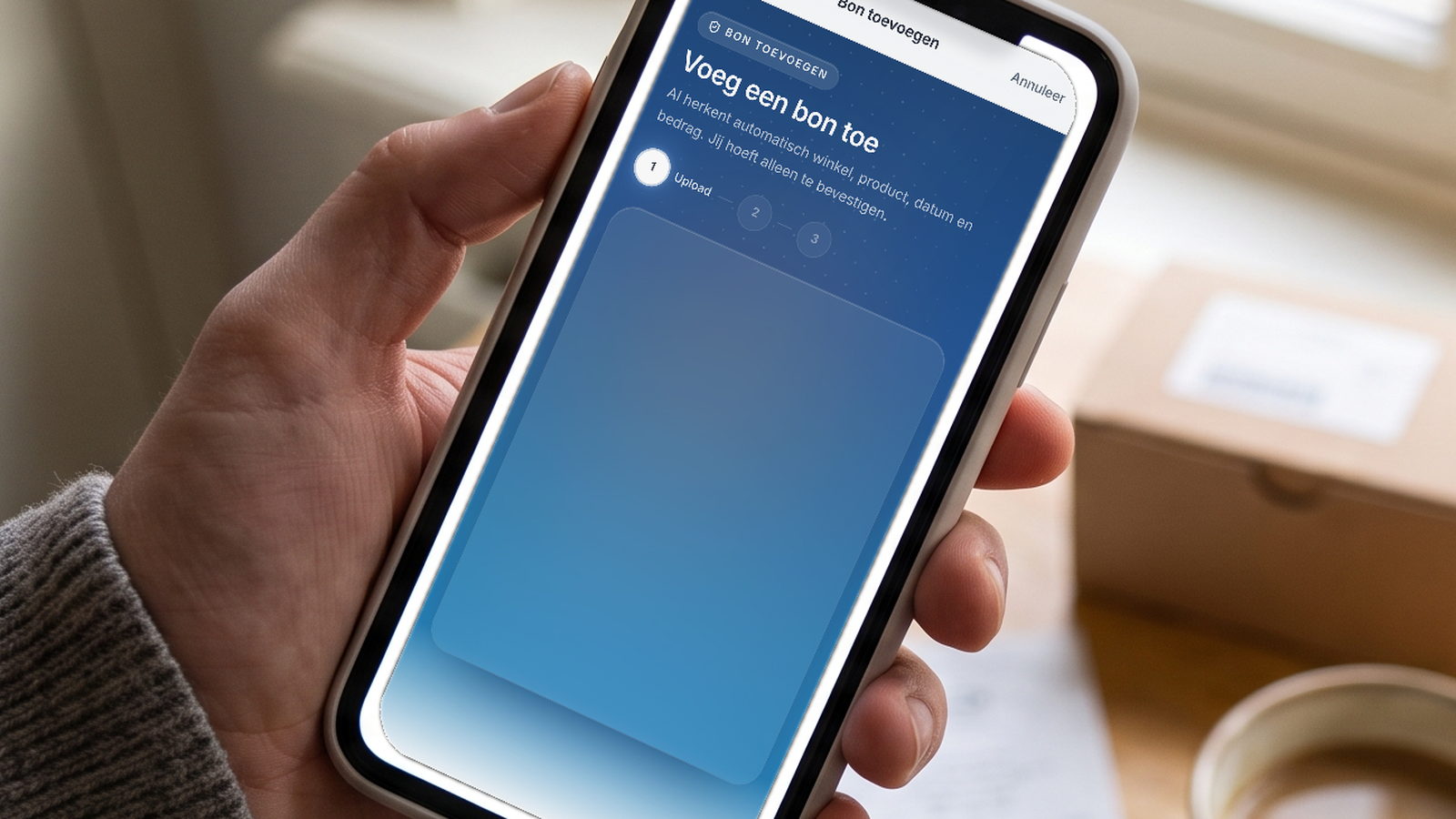
CalcAI turns a job description into a finished quote: a language model drafts the lines, a calculation engine recomputes every number, and the owner presses send. Kassabon.ai reads a receipt, watches the warranty date and drafts the claim you send yourself. Both are products the Lab built and runs.
See AI strategy if you are not sure where to start. See growth systems for the follow-up after intake.
Frequently asked questions
- Which process should we automate first? The one that repeats most often and hurts most when it is late. In practice that is usually intake: the enquiry, order or application that lands in a mailbox and has to be typed into a system. It is the cheapest to build and it produces the data that tells you what to automate second.
- Do we have to replace the tools we already use? No, and we would advise against it. Automation is worth most in the space between the systems you already pay for. We connect to what you run, and if a tool genuinely cannot be connected we say so before the project rather than during it.
- Is this AI, or just rules? Both, and the split is the point. A model reads: it turns a messy mail, a scan or a free-text field into structured data. Rules decide: they apply your thresholds, your approvals and your exceptions. When rules alone would do the whole job we build it without a model, because that is cheaper to run and easier to explain.
- What happens when something goes wrong? Every workflow carries a number, an alert when it drifts and a named person for the exceptions. Work that does not match the pattern is handed to that person with everything the system found. An automation you cannot see is an automation nobody will trust.
- How do we know it actually saved anything? Before we build, we write down the number the workflow is meant to move: hours spent, response time or error rate. We read that number before and after. If it did not move, that is a result too, and a cheaper one than finding out a year later.
