
Client portal development
One secure place where your clients log in, see their file, documents and status, and handle for themselves what now goes through email and phone.
A client portal takes the question of where things stand out of your inbox, and gives your clients a place of their own that belongs to your brand.
When a portal pays off
A portal earns its keep when the same information keeps going back and forth. These are the signs to look for.
- Clients email or call to ask how far along their job, order or file is.
- Quotes, invoices and documents go round as attachments, and nobody knows which version is the latest.
- Your team retypes details the client could have entered themselves.
- Clients want to check something or pass something on outside office hours too.
Who it is for
For service providers, wholesalers, rental businesses, agencies and other companies with returning clients, where each client needs to see or do something: a file, a project, orders, invoices or reported issues.
If you have dozens to thousands of clients who may each see only their own data, that is exactly the job of a portal.


Features
What a client portal can do
No portal needs everything. These are the building blocks we put the first version together from.
Sign-in and accounts
Signing in with email and password or with a one-time link, with two-step verification where the data calls for it. Clients invite their own colleagues.
Roles and permissions
Every client sees only their own data. Within a client, you decide who may view, who may order and who may approve.
Documents
Quotes, contracts, reports and invoices in one place, with the latest version on top. Uploading works in both directions.
Status and progress
Where a job, order or request stands: which steps are done and what is still to come.
Self-service
Changing details, booking an appointment, reporting an issue or approving something, without anyone having to retype it.
Messages and notifications
A message attached to the file instead of a separate email, and a notification as soon as something is ready.
The trade-off
Off-the-shelf software or custom?
An honest answer saves you money. If buying is wiser than building, you will hear that in the first call.
Off-the-shelf software fits when
- Your CRM, accounting package or industry software already has a client area that does what you need.
- Your process looks like that of most businesses in your sector.
- You mainly want to share invoices and documents, without steps or rules of your own.
- The look and the address of the portal matter little.
Custom fits when
- Your process has its own steps, exceptions or calculations that no package knows.
- The portal has to bring together data from several systems.
- The portal is part of what you sell, and so has to belong to your brand.
- A package charges you per user, and at your numbers that no longer adds up.
Often it is a combination: the package stays the source for invoices or stock, and the portal is the window your client sees.


Integrations
A portal is rarely an island. The data usually lives somewhere already, and the portal fetches it from there or writes it back.
- Accounting and invoices, so clients see their invoices and payment status.
- CRM or ERP, as the source for client data, orders or stock.
- Payments, for example through Mollie or Stripe.
- Email and calendar, for notifications and appointments.
What is not always possible
Not every system offers a usable integration, and some integrations release only part of the data. We find that out before we agree a price, not during the build.
Security and privacy
A portal holds client data. That makes security a design decision, not an afterthought.
- Data is separated per client in the database, not just hidden on screen.
- The connection is encrypted, and passwords are never stored in readable form.
- Permissions per role and, where needed, a log of who changed what.
- Storage in the EU where possible, and a data processing agreement at delivery.
Our own work
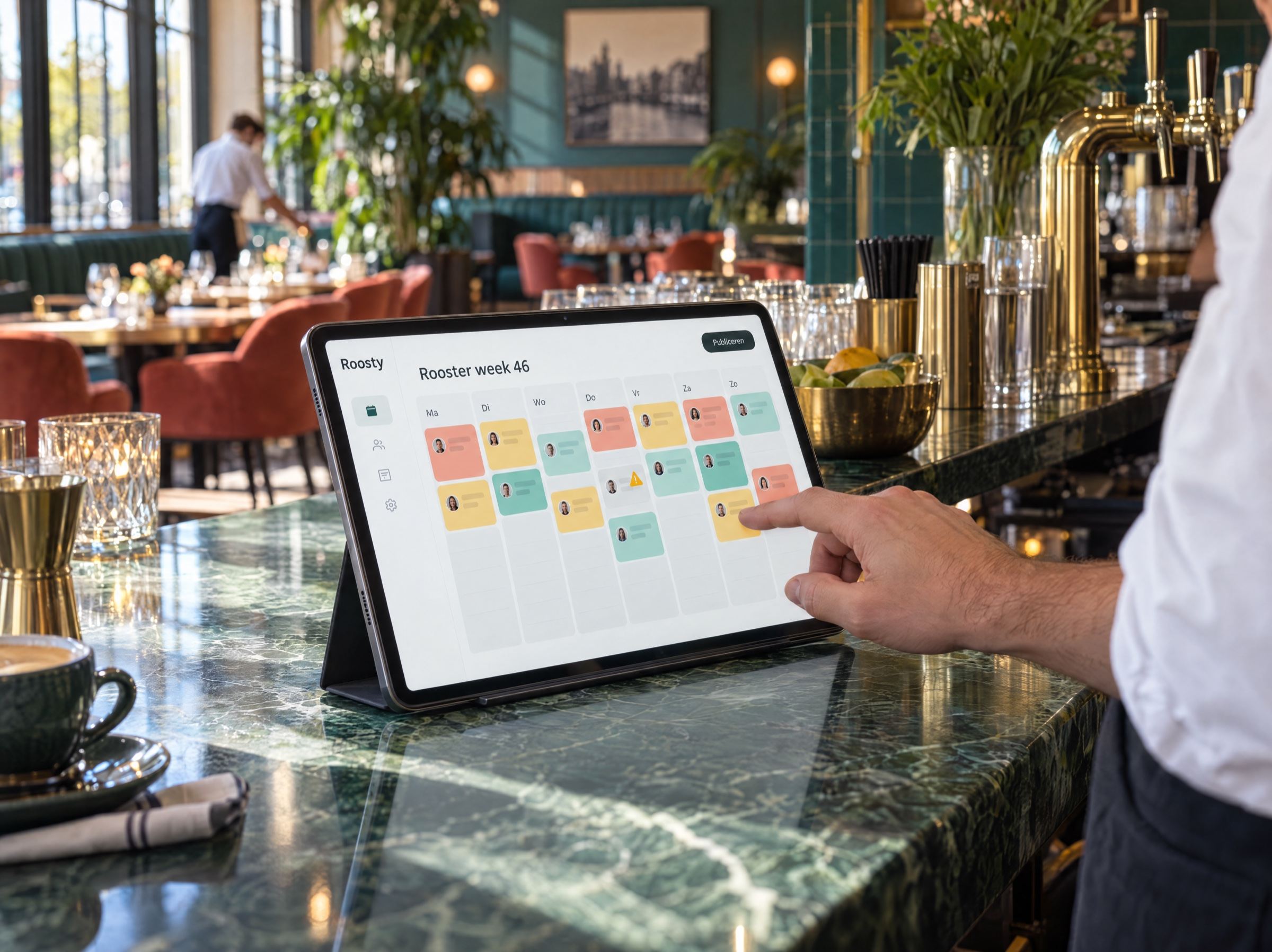
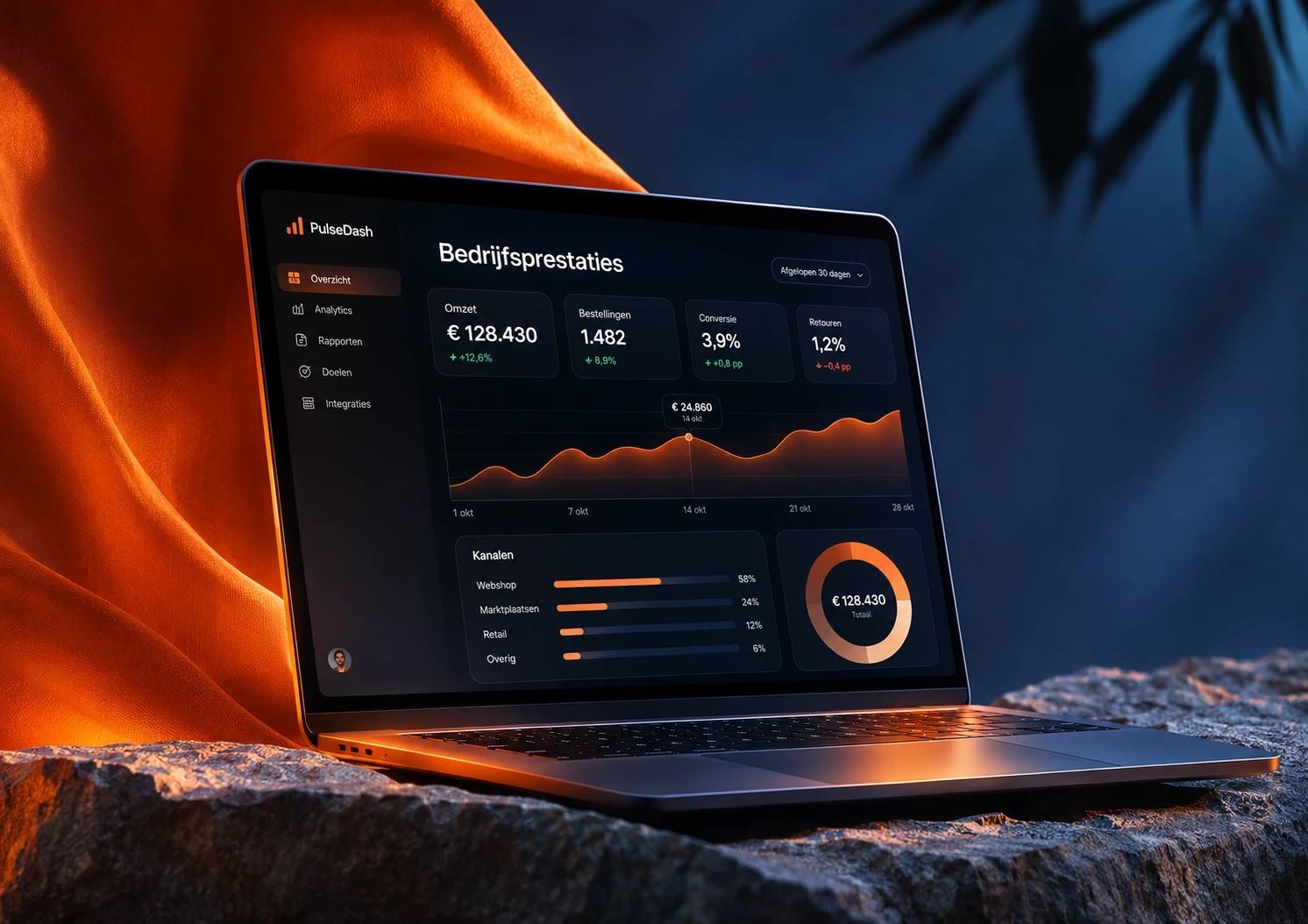
The parts of a portal, in two products of our own
Two products of our own, not client projects. Both contain the parts a client portal runs on: accounts, roles and data separated per company.
Approach
From first call to a portal in use
Intro call
A free 30-minute call about your process and about what clients ask you now.
Scoping
Which single flow solves the most? We pin down the first version, with integrations, scope and price.
Design and build
First a clickable prototype you can show to a few clients. Then interface, code and integrations.
Putting it to use
Testing with real users, live on your own domain, and a plan for what comes next.
Investment
What a client portal costs
We quote every portal per project. After the first call you know what the first version costs, before anything is built.
What drives the investment
- The number of flows in the first version: viewing only, or also requesting, approving and paying.
- How many systems are connected, and how good their integrations are.
- The number of roles and the rules on who may see what.
- Whether existing data has to be moved over.
- Security requirements, such as two-step verification and a log.
What it costs
Quoted per projectAfter a free 30-minute call. We agree scope and price before we start.
- Hosting, licences for connected systems and maintenance are agreed separately.
- A small first version keeps the investment manageable. After that you extend step by step, each with its own price.
Further reading
More on apps and portals
- Apps and web applicationsThe service this falls under: from a booking system to the first version of your own product.
- Having a web app or app builtThe guide to the choices, the costs and the payback time of an application of your own.
- DashboardsWhen it is about figures for your own team, rather than an environment for clients.
Part of our serviceApps and web applications